Understand Anything
Turn any codebase, knowledge base, or docs into an interactive knowledge graph you can explore, search, and ask questions about.
Works with Claude Code, Codex, Cursor, Copilot, Gemini CLI, and more.
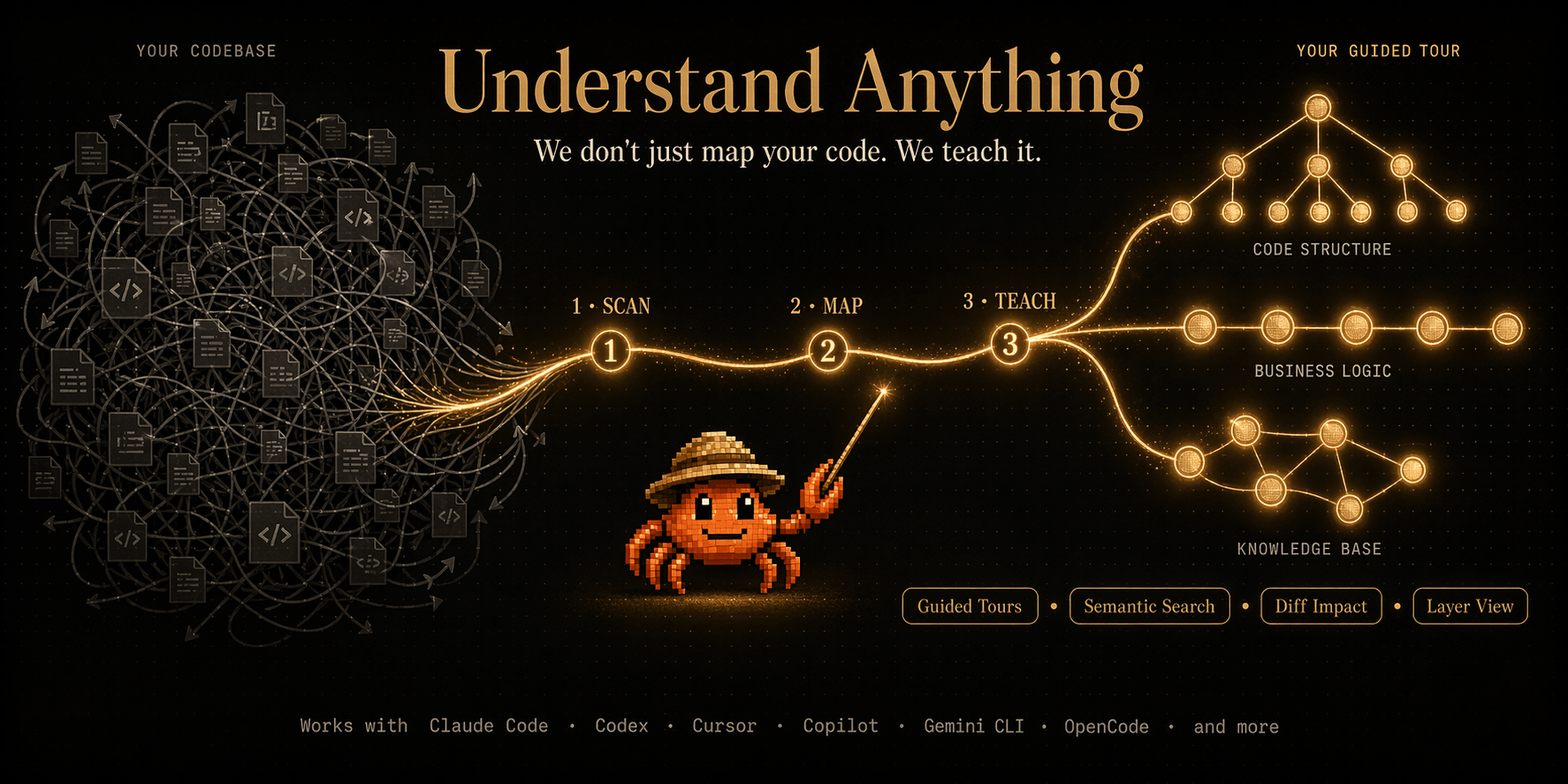
Turn any codebase, knowledge base, or docs into an interactive knowledge graph you can explore, search, and ask questions about.
Works with Claude Code, Codex, Cursor, Copilot, Gemini CLI, and more.
Understand Anything is a Claude Code Plugin that analyzes your project with a multi-agent pipeline, builds a knowledge graph of every file, function, class, and dependency, then gives you an interactive dashboard to explore it all visually. Stop reading code blind. Start seeing the big picture.
Auto-generated walkthroughs of the architecture, ordered by dependency. Learn the codebase in the right order.
Find anything by name or by meaning. Search "which parts handle auth?" and get relevant results across the graph.
See which parts of the system your changes affect before you commit. Understand ripple effects across the codebase.
The dashboard adjusts its detail level based on who you are — junior dev, PM, or power user.
Automatic grouping by architectural layer — API, Service, Data, UI, Utility — with color-coded legend.
12 programming patterns (generics, closures, decorators, etc.) explained in context wherever they appear.
Explore the structural graphNavigate your codebase as an interactive knowledge graph — every file, function, and class is a node you can click, search, and explore. Select any node to see plain-English summaries, relationships, and guided tours. |
Understand business logicSwitch to the domain view and see how your code maps to real business processes — domains, flows, and steps laid out as a horizontal graph. |
Analyze knowledge basesPoint /understand-knowledge at a Karpathy-pattern LLM wiki and get a force-directed knowledge graph with community clustering. The deterministic parser extracts wikilinks and categories from index.md, then LLM agents discover implicit relationships, extract entities, and surface claims — turning your wiki into a navigable graph of interconnected ideas. |
Multi-Agent PipelineThe /understand command orchestrates 5 specialized agents, and /understand-domain adds a 6th. File analyzers run in parallel (up to 5 concurrent, 20-30 files per batch). Supports incremental updates — only re-analyzes files that changed since the last run. |
Localized output: Use --language to generate content in your preferred language
A multi-agent pipeline scans your project, extracts every file, function, class, and dependency, then builds a knowledge graph saved to .understand-anything/knowledge-graph.json.
An interactive web dashboard opens with your codebase visualized as a graph — color-coded by architectural layer, searchable, and clickable.
Plugin marketplace installation
Auto-discovery when cloned
Auto-discovery when cloned
Plugin installation
One-line install
One-line install
One-line install
One-line install
One-line install
One-line install
One-line install
One-line install
A community-made walkthrough by Better Stack.

Ask questions, share what you've built, get help from the community.
Join Discord →